
Explore Earth
World View opens the Metaverse
Search, rotate and zoom the 3D Earth, then enter the HxAR Metaverse to explore local HexTiles and virtual places.
HxAR 2.1 · Available now
Discover what is around you. Build places that could never exist anywhere else. Create stories people can walk into—and play at life size.
Now on the App Store: HxAR 2.1 brings World View, 3D Design Studio, mapped-property replacements, shops, Advert Boards, Sign Posts and a changing Metaverse.
Inside HxAR 2.1
Discover nearby AR, build and organise experiences, revisit shared virtual spaces and play at life size.
Open GEO AR and see what has been left in the world around you.
Turn an idea into a place someone else can step inside.
Re-enter your virtual property and pick up where you stopped.
Place the holographic snooker table and continue your saved frame.
One app. Four ways in.
HxAR 2.1 connects discovery, creation, virtual property and play in one spatial world.
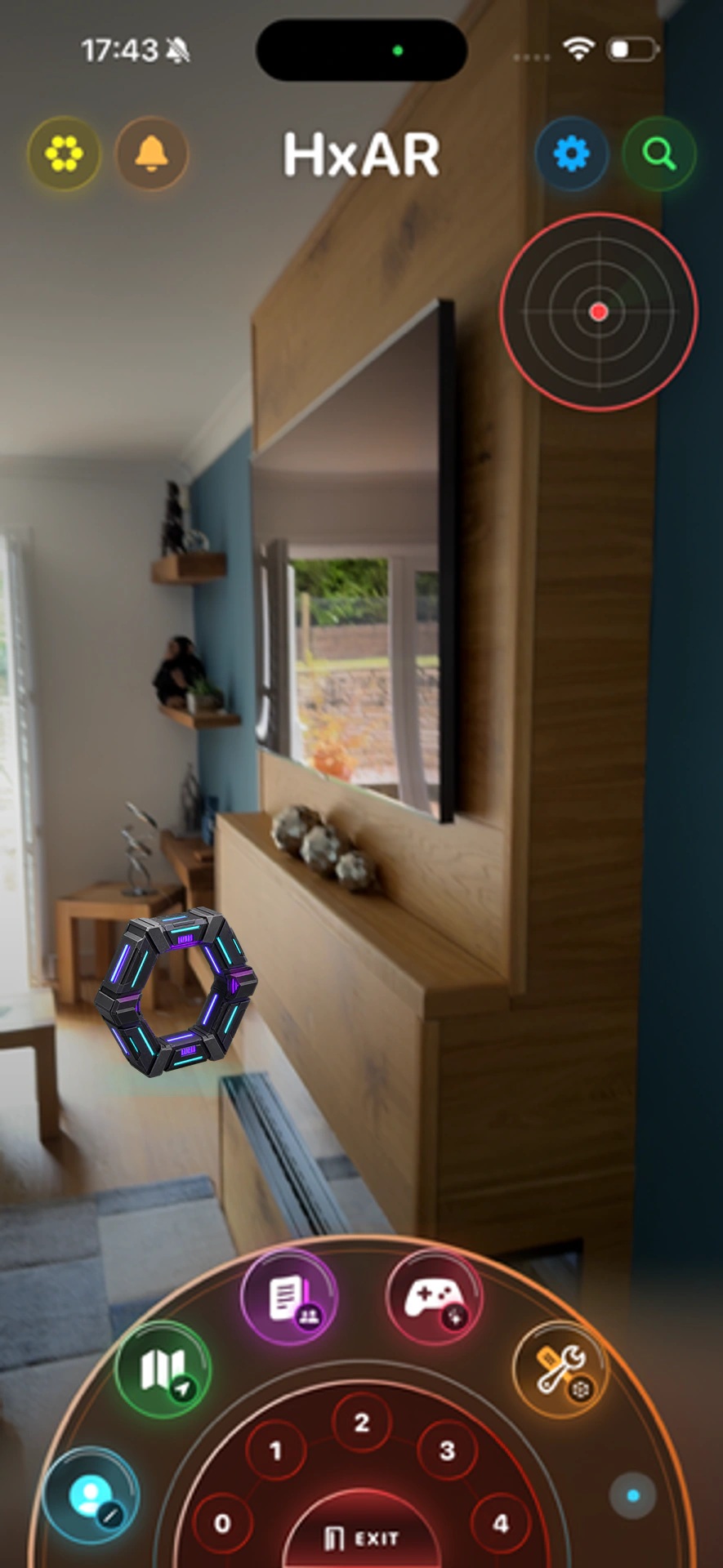
Use GEO AR—the nearby camera and radar view—to find public stories, virtual places and creators around you.
Place models, images, video and links, then add movement, collisions and interactions before sharing the scene.
Group HxAR’s location-linked HexTiles into land, then add floors, rooms, portals, exhibits, games and media.
Practise AR Snooker in your room, save the frame, or invite another HxAR player to a remote match.
A worldwide HexTile layer
HxAR calculates virtual HexTiles from real-world coordinates across land and sea. At the current 3.8-metre HexTile radius, that represents a theoretical scale of approximately 13.6 trillion potential HexTile positions worldwide.
HxAR calculates the surrounding HexTile grid when it is needed.
Lasting information can include virtual ownership, assignments, terrain, Stories or additional active colour types.
Persistent records are created where information needs to remain, rather than for every possible tile.
New in HxAR 2.1
HxAR began by helping people create and share AR anywhere. HxAR 2.1 adds new ways to explore that world, build on your virtual property and help visitors find their way.
Search, rotate and zoom the 3D Earth, then enter the HxAR Metaverse to explore local HexTiles and virtual places.
Use the iPad Studio to design a replacement for a mapped property you own, with measured surfaces, a walkable doorway and materials.
Explore shops and Advert Boards, follow Sign Posts, and experience water and the automatic day and night cycle.
Own. Collect. Refine.
Return to continue a scene, develop a virtual building, check a nearby story, practise a saved frame or see what your HexTiles have become.
Keep sight of owned places, collected items and the experiences worth returning to.
Built for the world you are standing in
A familiar, privacy-conscious way to access your HxAR profile.
Private and public content are clearly separated as you create.
Know what to check before using location-based AR in a real place.
HxAR 2.1 is live
Download HxAR 2.1 from the App Store and explore World View. Own a property to start creating its replacement building in HxAR 3D Design Studio on iPad.
Read the HxAR 3D Design Studio guide